Wi-Fi mesh installation
Strategically placed access points with wired backhaul for even coverage across bedrooms, offices, garages, and outdoor living areas.
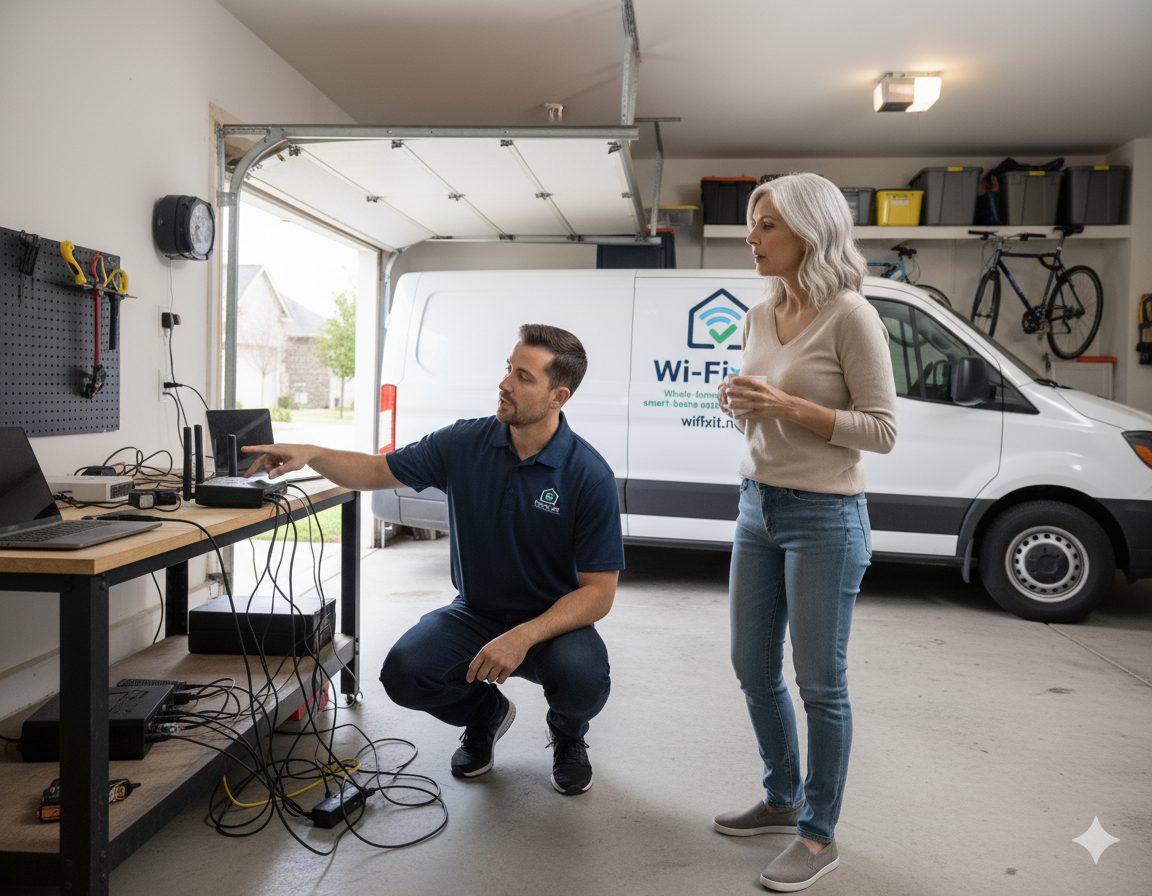
Twin Creeks, Avery Ranch, Buttercup Creek, and the new west-side builds along Ronald Reagan all share the same Cedar Park reality: stone or stucco exteriors and limestone-cut yards that change how a wireless network has to be planned.
Cedar Park Wi-Fi installation work breaks down into a few recognizable neighborhoods. Twin Creeks and Avery Ranch have mature 1990s-to-2000s homes with stone and stucco exteriors that block RF noticeably more than the brick veneer found further east. Buttercup Creek, Cypress Creek, and Brushy Creek bring older 1980s ranch-style homes where the existing low-voltage wiring is rarely usable for modern PoE access points. West of Bell Boulevard, newer construction along Ronald Reagan Boulevard adds three- and four-bedroom two-stories that were rough-wired to a structured panel but often never had the keystones terminated.
The terrain matters too. Cedar Park sits on limestone, so outdoor cable runs between detached buildings or to a back-yard access point require either a surface-mounted conduit along a fence line or a careful trench through caliche. We plan those routes during the site survey so the quote reflects reality.
Most homeowners here work for one of the nearby tech employers — Apple's North Campus, Dell, Cirrus Logic, or remote teams headquartered elsewhere — and need a network that holds up to all-day video calls plus a household of smart devices.
Every job starts with a site survey. The list below is the menu we draw from depending on what the house actually needs.
Strategically placed access points with wired backhaul for even coverage across bedrooms, offices, garages, and outdoor living areas.
Site survey, RF heat-mapping, and targeted access point placement to fix the one room that has always been unusable.
Lights, locks, thermostats, doorbells, and cameras configured into one network that actually behaves like a system instead of a pile of apps.
Clean Cat6 and Cat6A runs, labeled patch panels, and PoE switching so wired devices and access points have a real backbone.
Guest networks, IoT VLANs, secure credentials, and firmware-aware setup so your network is hard to misuse and easy to audit.
PoE camera placement, NVR setup, and recording configuration tied to the same network we install, with mobile and desktop access.
Cost depends on the size of the home, how much cabling has to be run, and how many access points and switches the design calls for. After a free site survey we provide a written quote with transparent line items so there are no surprises on install day.
Most residential installs are completed in a single day. Larger custom homes, properties with multiple buildings, or jobs that include extensive new cabling can run into a second day, which we confirm in writing before we start.
Yes. Every install includes a walkthrough, labeled equipment, written documentation, and a clear path to reach support. We also offer optional maintenance plans for ongoing monitoring and updates.
Yes. Stucco usually has a wire-mesh lath underneath that acts as an RF shield, especially on 5 GHz. We treat the exterior wall as opaque during the site survey and place access points so they do not have to fire through it to reach a detached garage, casita, or back patio.
Yes. We mount weather-rated UniFi or Omada outdoor access points under eaves and run shielded Cat6 through conduit when the slab and limestone make a direct bury impractical. Outdoor coverage is one of the most common Cedar Park add-ons because of the larger lot sizes.
We work across the greater Austin area. If you are close to Cedar Park but in a neighboring city, one of these pages is probably a better fit.
Cedar Park sits in Williamson and Travis counties, northwest of Austin. We schedule Cedar Park jobs alongside other visits in this part of the metro, which keeps trip charges and lead times reasonable.
For the full residential overview, see our residential Wi-Fi installation page. New construction or remodels should start with the builders page.
Free on-site survey, written quote, clean install. We will map the problem, explain the options, and build a plan that fits the house.