Camera placement
Mapped to entry points, blind spots, and viewing angles — not guessed from inside the box.
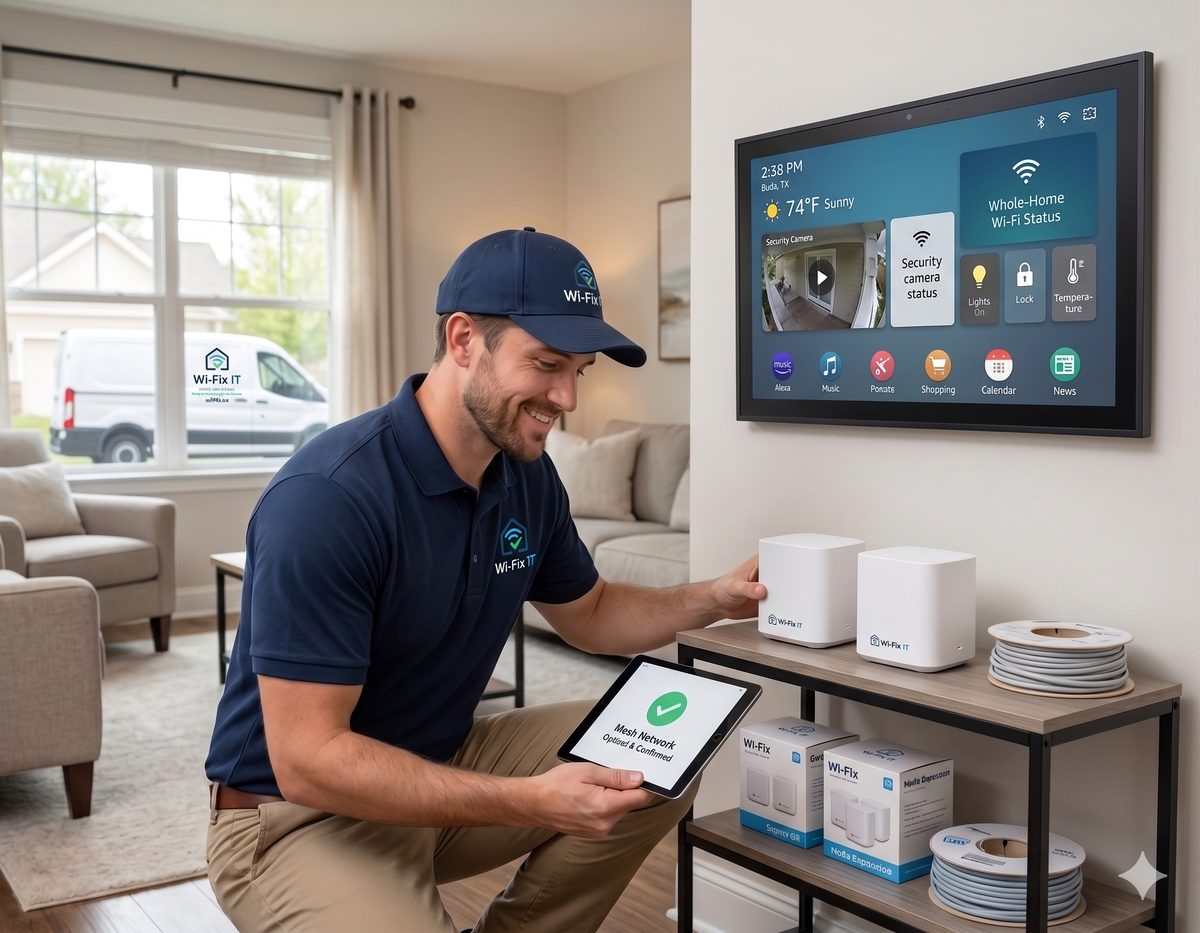
Wired PoE cameras, doorbells, NVRs, and remote viewing — installed cleanly, wired properly, and configured so the footage is there the day you need it. We also install Blink and other wireless cameras where battery-powered or fully wireless coverage is the right fit.
Camera installs go wrong in predictable ways: cameras placed where they get glare, doorbells mounted at the wrong angle, NVRs hidden where homeowners cannot reach them, Wi-Fi cameras placed in spots that lose signal in winter. A clean install is not about more expensive cameras — it is about placement, cabling, and the small details that decide whether the footage is actually useful at 2 a.m. We do the boring parts well.
Mapped to entry points, blind spots, and viewing angles — not guessed from inside the box.
Wired cameras with Cat6 and PoE wherever practical for reliability that Wi-Fi cannot match.
Local recording sized for the footage you actually want to keep, with redundancy when it matters.
Phone apps configured for useful notifications, not a flood that you eventually mute.
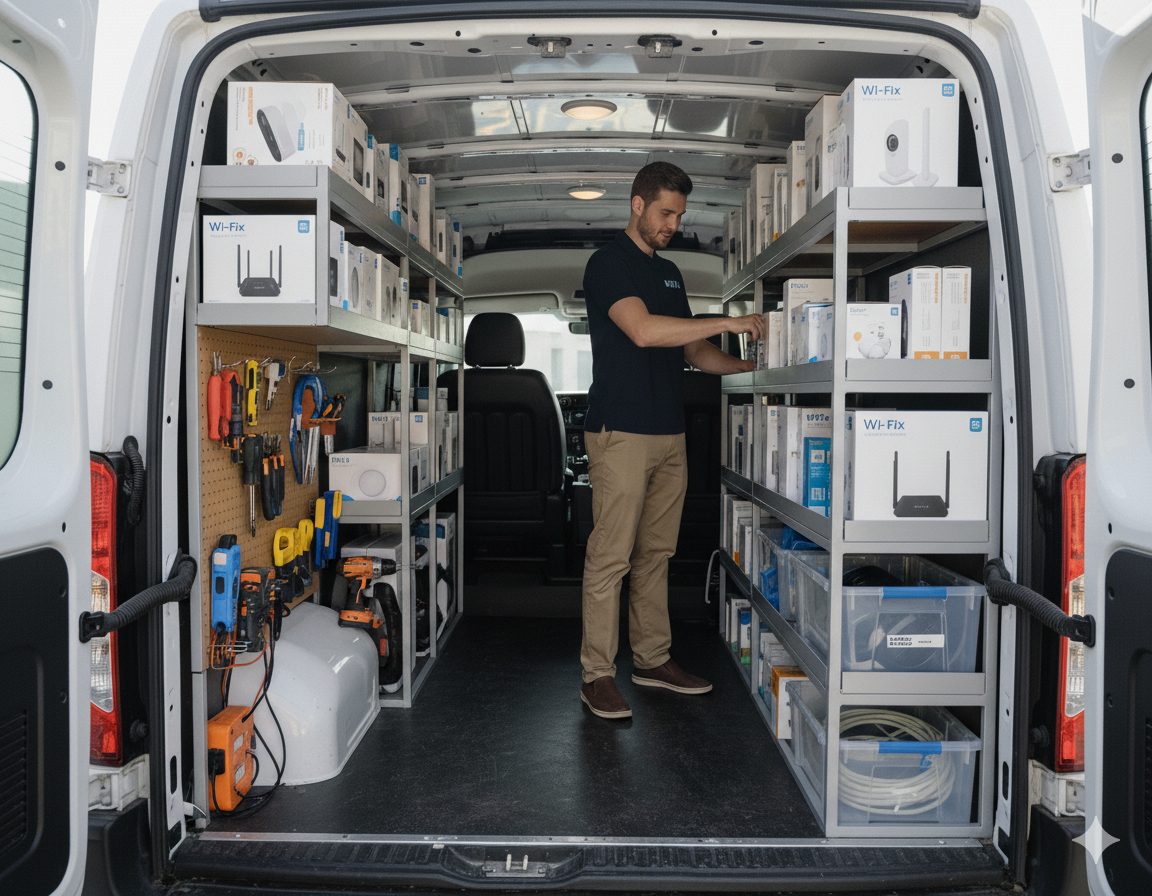
Camera installs are mostly about the design decisions made before drilling — angles, viewing distances, cabling routes, NVR location, and how alerts get filtered.
Cameras almost always touch the cabling, the switch, and the security configuration. Explore the related work below.
Cat6 runs that give every camera a PoE backbone and clean termination.
Camera VLAN that keeps the recording system isolated from the rest of the network.
UniFi camera systems with a single dashboard for cameras, switches, and Wi-Fi.
Standard and Pro tiers that include firmware updates and storage checks.
We install Ubiquiti UniFi Protect, TP-Link Vigi, Reolink, Amcrest, Ring, Arlo, Nest, SimpliSafe, Blink wireless cameras, and similar systems. We choose based on your storage needs, integration needs, and budget — not whichever brand is on sale.
Yes. Blink Outdoor, Blink Mini, and Blink Wired Floodlight cameras are a good fit when conduit is not practical, the property is a rental, or the coverage area is a detached outbuilding. We mount them, tune the motion zones, and connect them to your existing network so notifications actually work.
Wired PoE cameras are our default because they are more reliable and harder to defeat. We use Wi-Fi or wireless camera systems like Blink when the location truly cannot be reached by Cat6 cabling, or when the install context calls for a battery-powered solution.
Yes. Every system we install includes secure remote viewing on iOS and Android, with optional notification controls so you only get alerted when it actually matters.
It depends on the number of cameras, resolution, frame rate, and how many days you want to keep. Most homes use a small NVR with one or two drives that holds two to four weeks of footage.
On a local NVR system: yes, recording continues, and you can view live footage on the local network. Cloud-only camera systems stop working without internet. We tell you which one you are buying.
Austin, Round Rock, Cedar Park, Leander, Georgetown, Pflugerville, Hutto, Buda, Kyle, Lakeway, Bee Cave, Easton Park, and Del Valle. See the full service area for details.
Schedule an on-site walkthrough. We will design the camera layout, price the install, and answer the storage and viewing questions before any work starts.