Site survey
Heatmap your existing signal room by room, identify interference, and locate the real coverage gaps before recommending hardware.
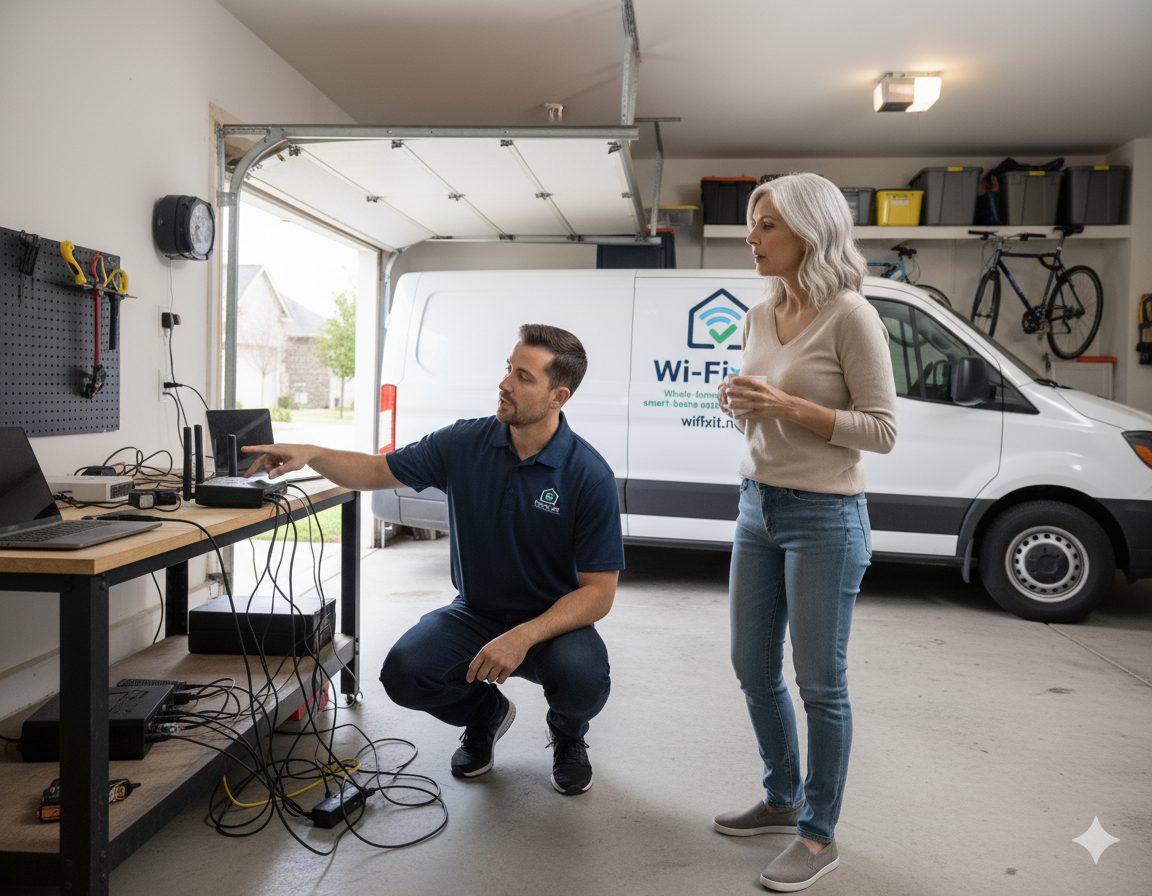
Dropped video calls, buffering in the back bedroom, smart locks that lose the network. We diagnose the real cause and install coverage that actually holds, instead of stacking another extender on top of the problem.
Newer Austin builds use a lot of materials that Wi-Fi does not love: brick veneer, stone fireplaces, foil-backed insulation, metal HVAC returns, and long single-story footprints. A router sitting in a media closet on one side of the house can look fast on a speed test and still be useless three rooms away. Adding a consumer extender often hides the symptom by rebroadcasting a weak signal, which is why the dropouts come back a month later. We start with measurement, not equipment.
Heatmap your existing signal room by room, identify interference, and locate the real coverage gaps before recommending hardware.
Commercial-grade Ubiquiti UniFi or TP-Link Omada access points placed for the actual layout, not guessed from a box at the store.
Cat6 runs to permanent access points where possible, with PoE so each unit has stable power and a wired backbone.
Re-measure every room with the new design, hand off a documented network, and confirm the dead zones are actually gone.
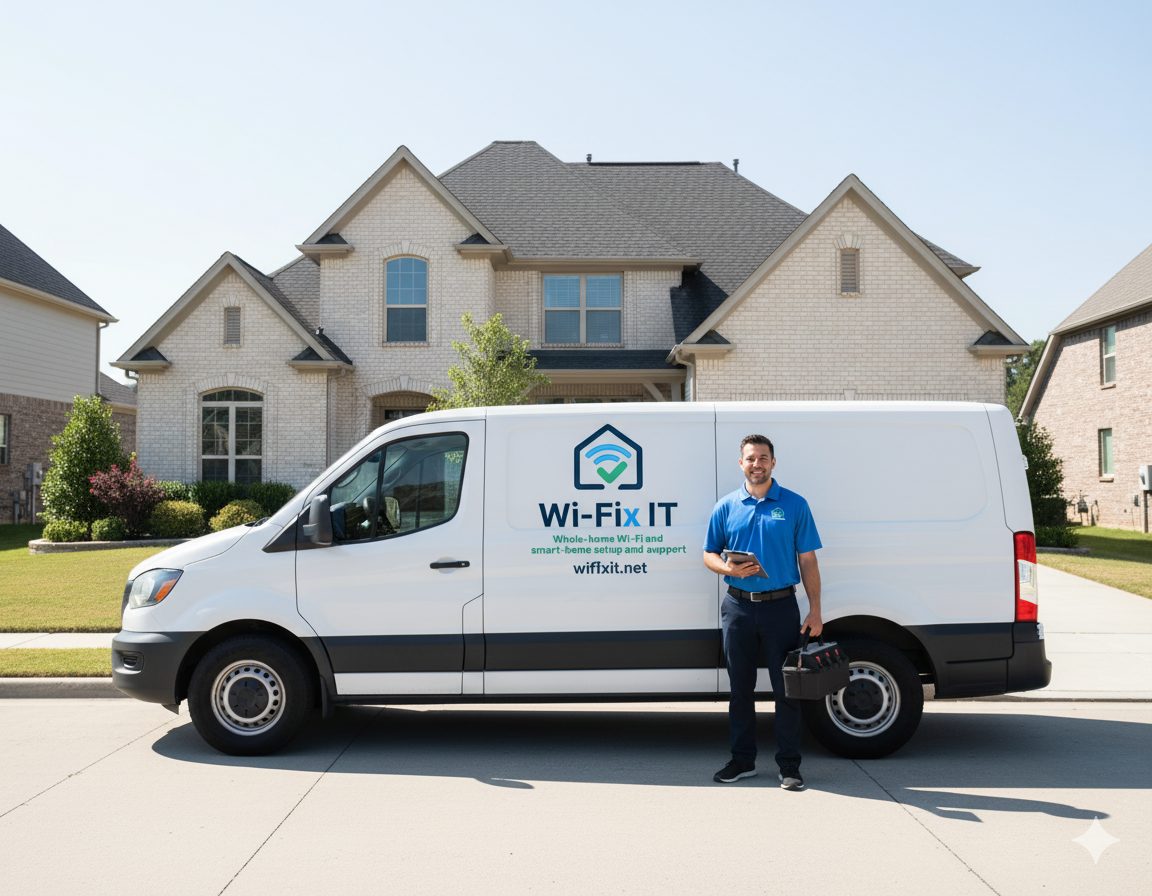
Dead zone repair is mostly a design problem. The hardware is secondary, and most homes need fewer access points than people expect once they are placed correctly. Here is the order of operations we use on every visit, from a 1,400-square-foot bungalow in East Austin to a 6,000-square-foot home in Bee Cave.
Dead zone repair often touches the rest of the network: the mesh that distributes signal, the cabling behind the walls, and the security configuration that decides which devices get priority. Explore the related work below.
Whole-home mesh design built on commercial-grade hardware, not consumer kits.
Professional UniFi access points, switches, and gateways installed and configured.
Cat6 and Cat6A runs that give each access point a wired backbone instead of a fragile uplink.
Standard and Pro support tiers that keep the network healthy after the dead zone is gone.
Most dead zones come from a router placed in the wrong room, dense interior walls or stone fireplaces, metal HVAC ducts, distance from the access point, or interference from neighbor networks. A site survey tells us which of those is actually happening.
Sometimes. A consumer mesh extender added blindly often just rebroadcasts a weak signal, which makes things worse. We measure first, then place commercial-grade access points where coverage actually fails.
Yes. Outdoor and outbuilding coverage is one of the most common reasons people call. We use outdoor-rated access points, point-to-point bridges, or low-voltage cabling depending on the distance and layout.
Most single-zone repairs are completed in a single visit of two to four hours. Larger whole-home redesigns with cabling can take a full day. We confirm scope and pricing before any work starts.
Usually no. Most Austin homes already have enough internet speed; the problem is how that signal is distributed inside the home. We replace or supplement equipment only when it is actually the bottleneck.
Austin, Round Rock, Cedar Park, Leander, Georgetown, Pflugerville, Hutto, Buda, Kyle, Lakeway, Bee Cave, Easton Park, and Del Valle. See the full service area for coverage details.
Schedule an on-site assessment. We will map the dead zones, explain the options, and price the fix before any work starts.