Firewall & rules
Default-deny inbound, named outbound rules where it matters, and clear logging for what crosses the edge.
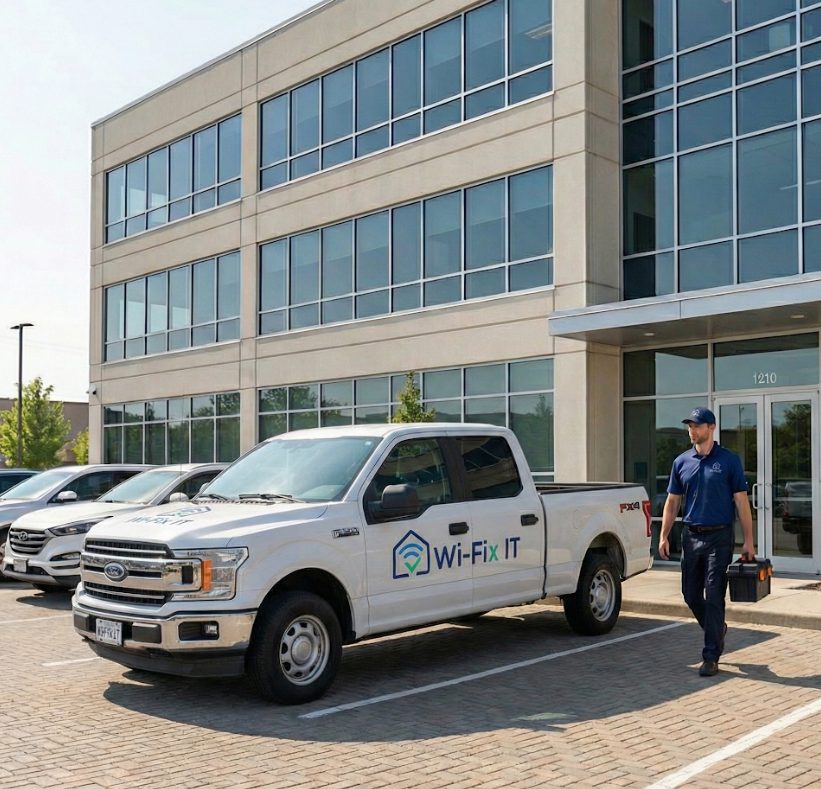
Firewall rules, guest networks, VLAN segmentation, secure credentials, and monitoring-minded configuration. Most home and small-business networks are wide open by default — we close them down without making them painful to use.
The router that came from the ISP is built to "just work" on day one. That means default admin credentials, no segmentation, no guest network, every device on one flat subnet, and firmware that updates only when someone remembers to look. That posture is fine for an empty network and dangerous for the network you actually live on. We start by making the boring decisions correctly: passwords, separation, and access — before we worry about anything fancier.
Default-deny inbound, named outbound rules where it matters, and clear logging for what crosses the edge.
Visitor devices and chatty smart devices isolated from your computers, NAS, and printers.
Strong admin passwords, password manager integration, and credential rotation built into the maintenance plan.
Logging that survives a reboot, named devices, and alerting when something unexpected shows up on the network.
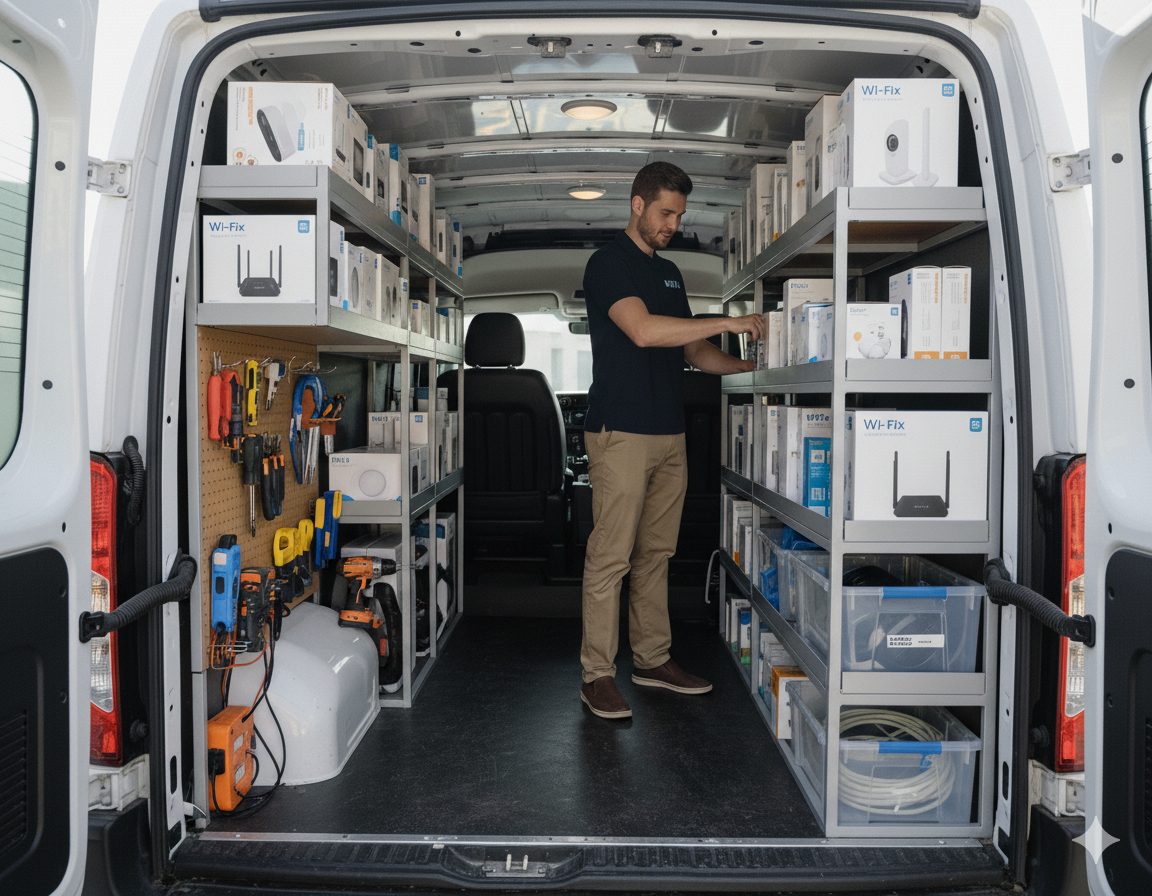
Network security is a layered build, not a single product. The first visit is mostly an audit — what is connected, what is exposed, and what is missing. The second visit puts the layers in place.
Security is rarely a standalone job. It usually shows up alongside a new mesh install, a smart home build, or a maintenance plan refresh.
New mesh deployments are the easiest time to lock down the network from day one.
IoT segmentation that keeps cameras and smart devices off your main network.
UniFi gateways and switches give us proper firewall control and segmentation.
Ongoing firmware and credential hygiene so the security posture does not drift.
Network segmentation is the practice of dividing one flat network into smaller, separate networks — typically a main network for trusted devices, an IoT network for smart devices, and a guest network. It limits what a compromised device can reach.
Yes. A guest network keeps visitor devices off of your main network, which is where your computers, NAS, printers, and smart devices live. It is one of the simplest and biggest security upgrades you can make.
A VLAN is a virtual network running over the same physical equipment. We use VLANs to separate trusted devices from IoT, security cameras, and guest traffic without buying multiple routers.
We can audit the network, harden the configuration, change credentials, and rebuild the segmentation. For active incidents that involve sensitive data, we coordinate with a security professional.
Firmware updates, credential rotation, log review, configuration backups, and periodic checks for new devices that joined the network. Our maintenance plans bundle this into a monthly cadence.
Austin, Round Rock, Cedar Park, Leander, Georgetown, Pflugerville, Hutto, Buda, Kyle, Lakeway, Bee Cave, Easton Park, and Del Valle. See the full service area for details.
We will look at the current network, identify what is exposed, and propose a hardening plan with clear pricing.