Access points
UniFi 6, UniFi 6 Pro, U6 Enterprise, and U7 Pro access points sized to the building.
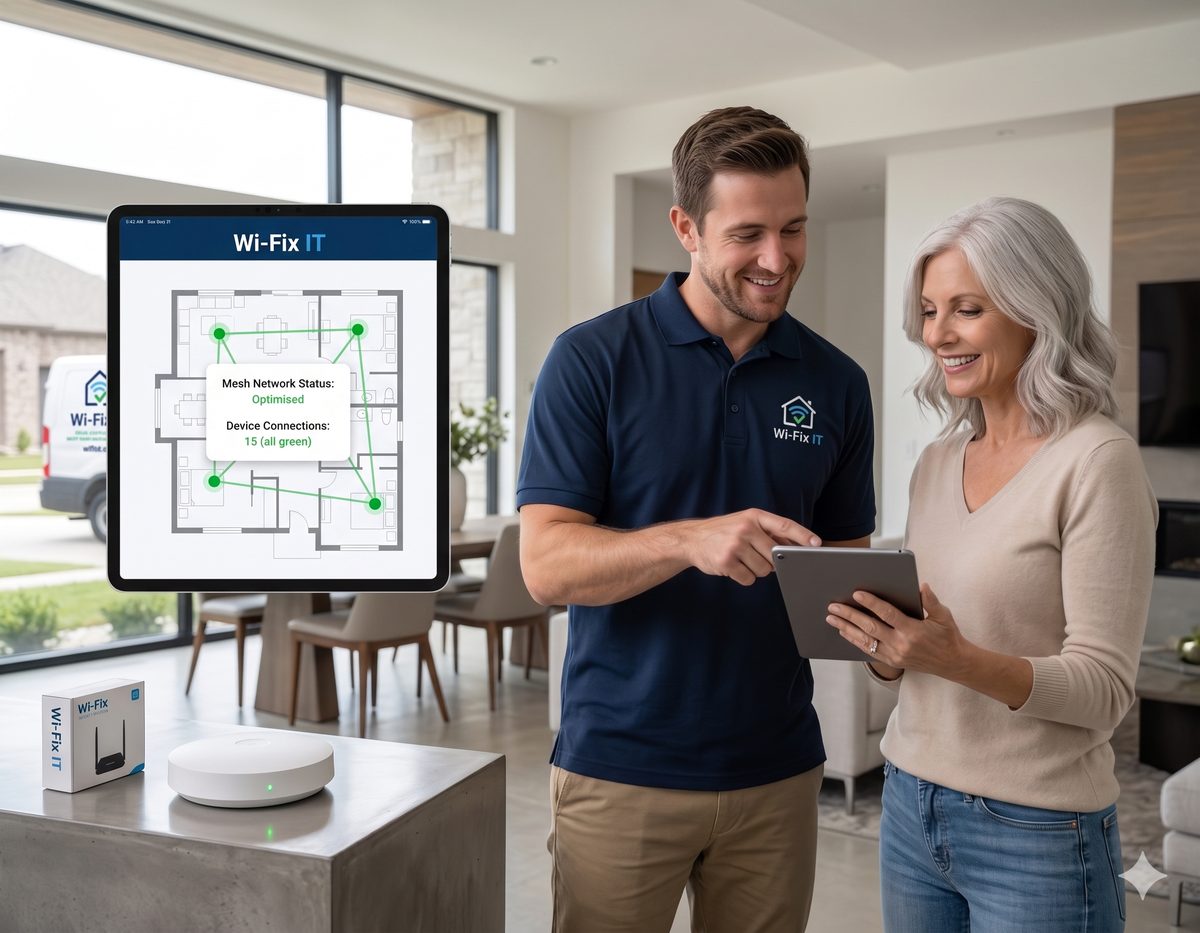
Professional Ubiquiti UniFi installation for homes, offices, and multi-tenant buildings. Access points, switches, gateways, and the Network controller — designed, deployed, and tuned by certified installers.
UniFi is what most professional installers reach for when a network has to be both powerful and manageable years from now. Access points, switches, and gateways all live in one Network controller — same dashboard, same configuration model, same updates. It scales from a single access point in an apartment up to dozens of devices in a commercial building, and the management experience does not change. The hardware is built to be installed once and left alone, with remote management when something does need attention.
UniFi 6, UniFi 6 Pro, U6 Enterprise, and U7 Pro access points sized to the building.
USW Lite, USW Pro, and high-power PoE switches sized for the access points and cameras.
Integrated gateway, controller, and firewall — or Cloud Key Gen2 Plus when you bring your own router.
Network controller with VLANs, guest portal, identity, and centralized firmware management.
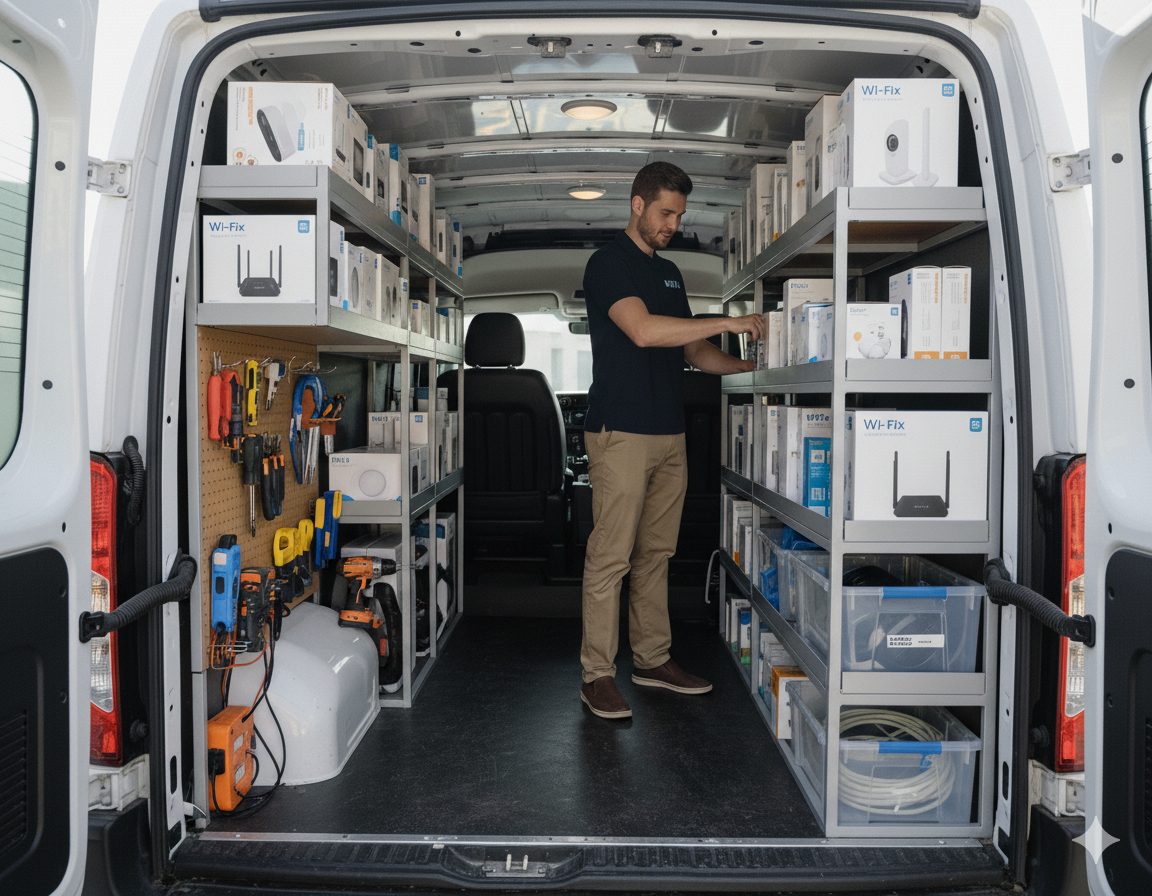
UniFi rewards careful design. The dashboard is excellent — but it cannot fix a network that was sized wrong on day one. Our process front-loads the planning so the install itself is fast and the long-term management is easy.
UniFi rarely shows up alone. It usually arrives alongside structured cabling, mesh design, security configuration, and ongoing maintenance.
Whole-home and small-business UniFi mesh deployments designed end-to-end.
PoE Cat6 runs to every UniFi access point and camera for a wired backbone.
Firewall rules, VLAN segmentation, and secure defaults inside the UniFi gateway.
Remote management, firmware, and configuration backups for installed UniFi networks.
UniFi is Ubiquiti's professional networking line — access points, switches, gateways, and cameras that all run inside one Network controller. It is the enterprise-style platform we use most often for homes, offices, and multi-tenant buildings.
You need somewhere to run the UniFi controller. A Cloud Key Gen2 Plus, UniFi Dream Machine, or Dream Machine Pro all do the job — the right one depends on whether you want integrated firewall and protect-camera storage built in.
Yes. Migrations are a common job. We design the new UniFi network, install the hardware alongside the old gear, cut over with minimal downtime, and remove the consumer equipment at the end.
Yes. Our Standard and Pro maintenance plans cover ongoing firmware, configuration backups, and remote support for UniFi networks. Most clients keep us on after the install for exactly this.
Both are commercial-grade. UniFi has a richer integrated ecosystem — cameras, doors, phones — that all live in one app. Omada is more cost-effective and has excellent Wi-Fi and switching. See the Omada installation page for that side of the comparison.
Austin, Round Rock, Cedar Park, Leander, Georgetown, Pflugerville, Hutto, Buda, Kyle, Lakeway, Bee Cave, Easton Park, and Del Valle. See the full service area for details.
Whether you are starting from a consumer router or scaling up an existing UniFi network, we will design the build and price it before any hardware ships.