Wi-Fi mesh installation
Strategically placed access points with wired backhaul for even coverage across bedrooms, offices, garages, and outdoor living areas.
Plum Creek, 6 Creeks, Crosswinds, Anthem, Amberwood — Kyle is one of the fastest-growing cities in Texas, and almost every install we do here involves a brand-new home with budget structured wiring that needs to be brought up to spec.
Kyle's growth means most Kyle Wi-Fi installation calls are in homes less than ten years old. Plum Creek is the mature anchor — a master-planned community with tree-lined streets and 2000s-to-2010s production homes — while newer subdivisions like 6 Creeks, Crosswinds, Anthem, Amberwood, Brooklynn Ridge, Sunset Hills, and Brookstone bring continual new construction along FM 1626 and FM 150.
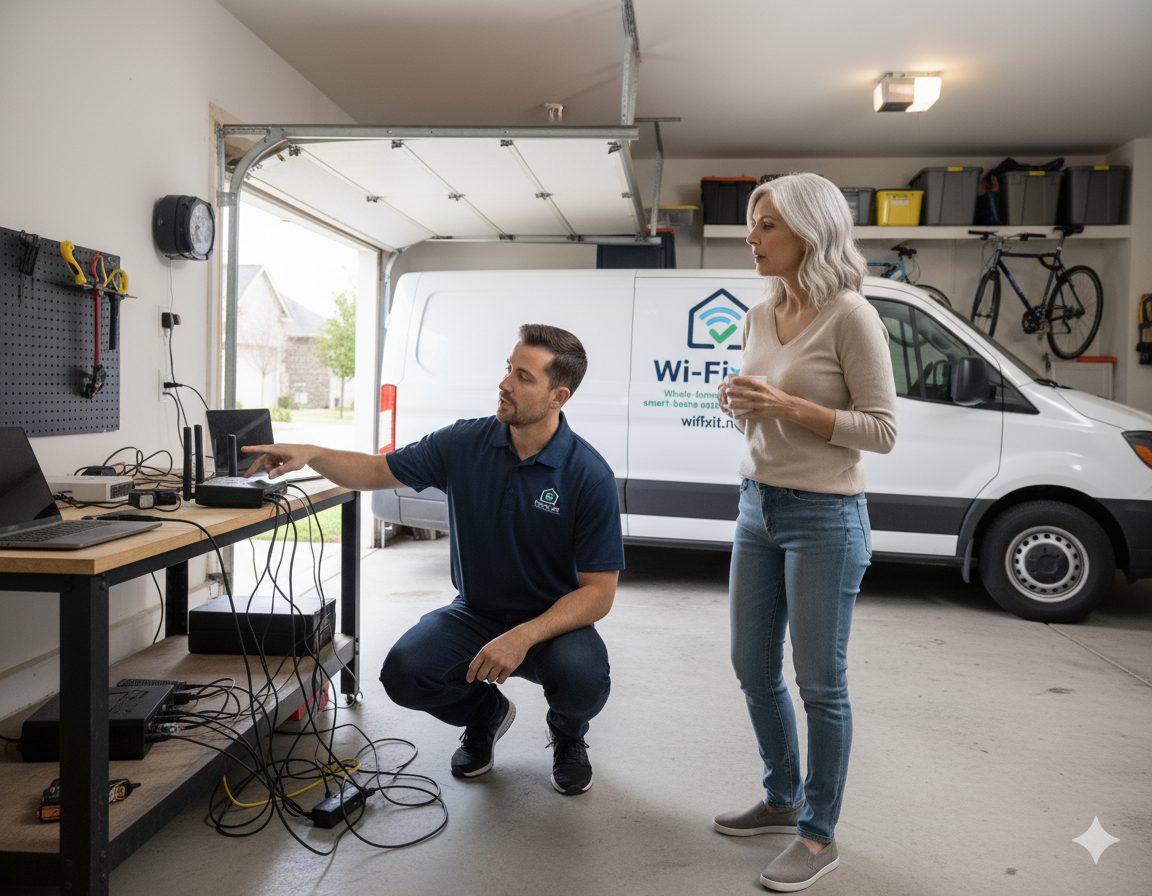
Most Kyle new builds come pre-wired, which sounds good but in practice means a 24-port low-budget structured wiring panel mounted in the garage with unterminated Cat5e bundled inside. Those panels overheat in a hot Hays County garage during summer, and the included plastic switches drop sessions under load. The fix is to terminate every run into a keystone patch panel, swap the consumer switch for a managed PoE switch sized for the home, and tie ceiling-mounted access points back to it.
Kyle households tend to be young families with multiple streaming TVs, gaming consoles, and a parent working from home. Spectrum and AT&T Fiber are the main internet options, with Google Fiber rolling out into Anthem and other newer neighborhoods.
Every job starts with a site survey. The list below is the menu we draw from depending on what the house actually needs.
Strategically placed access points with wired backhaul for even coverage across bedrooms, offices, garages, and outdoor living areas.
Site survey, RF heat-mapping, and targeted access point placement to fix the one room that has always been unusable.
Lights, locks, thermostats, doorbells, and cameras configured into one network that actually behaves like a system instead of a pile of apps.
Clean Cat6 and Cat6A runs, labeled patch panels, and PoE switching so wired devices and access points have a real backbone.
Guest networks, IoT VLANs, secure credentials, and firmware-aware setup so your network is hard to misuse and easy to audit.
PoE camera placement, NVR setup, and recording configuration tied to the same network we install, with mobile and desktop access.
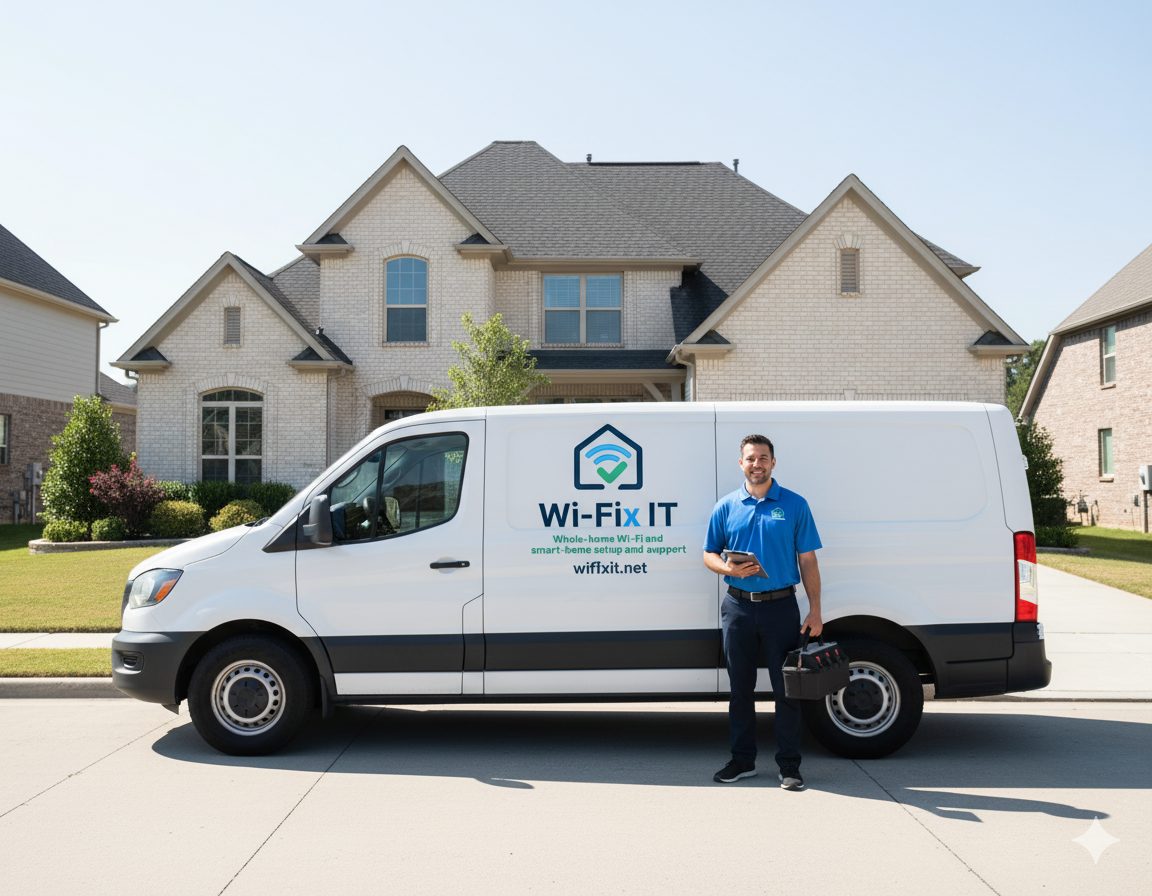
Cost depends on the size of the home, how much cabling has to be run, and how many access points and switches the design calls for. After a free site survey we provide a written quote with transparent line items so there are no surprises on install day.
Most residential installs are completed in a single day. Larger custom homes, properties with multiple buildings, or jobs that include extensive new cabling can run into a second day, which we confirm in writing before we start.
Yes. Every install includes a walkthrough, labeled equipment, written documentation, and a clear path to reach support. We also offer optional maintenance plans for ongoing monitoring and updates.
You can keep the enclosure, but the components inside almost always need to be upgraded. We replace the bundled consumer-grade switch with a managed PoE switch, terminate the existing cable into a real patch panel, and verify thermal headroom so the garage heat in summer does not cause throttling.
Yes. These are among our most-requested Kyle subdivisions. Because the builders here repeat a small number of floor plans, our quote for one home on your street is usually very close to what neighbors with similar plans will see.
We work across the greater Austin area. If you are close to Kyle but in a neighboring city, one of these pages is probably a better fit.
Kyle sits in Hays County, south of Buda along I-35. We schedule Kyle jobs alongside other visits in this part of the metro, which keeps trip charges and lead times reasonable.
For the full residential overview, see our residential Wi-Fi installation page. New construction or remodels should start with the builders page.
Free on-site survey, written quote, clean install. We will map the problem, explain the options, and build a plan that fits the house.