EAP access points
EAP613 and EAP650 for residential, EAP670 and EAP673 for higher-density homes, EAP690HD-E for commercial, EAP773 for Wi-Fi 7, EAP783 for enterprise, and EAP772 for outdoor.
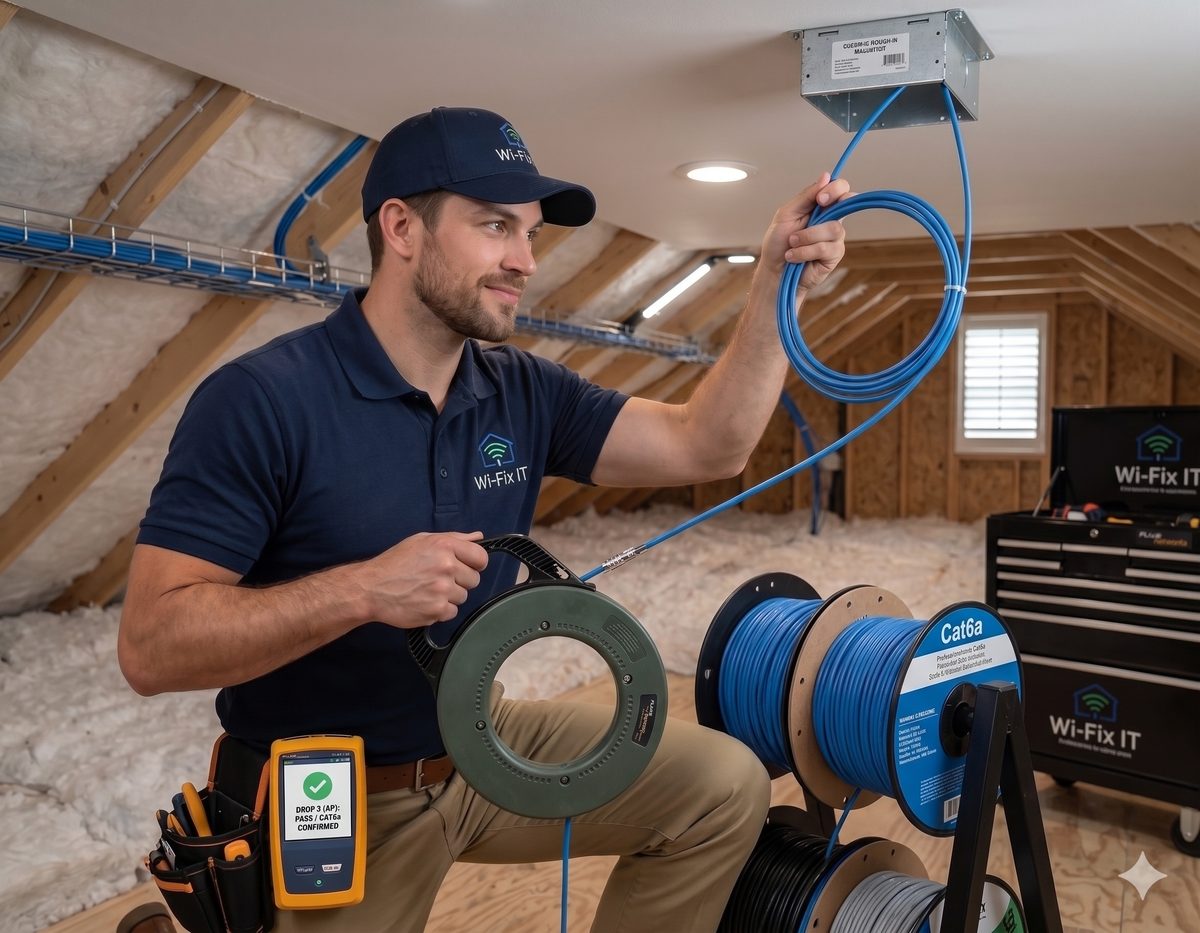
Professional TP-Link Omada installation for homes, offices, and multi-tenant buildings. EAP access points, JetStream PoE switches, ER gateways, and the Omada controller — designed, deployed, and tuned by certified installers.
Omada is TP-Link's software-defined networking platform — and it has quietly become the right answer for a huge percentage of homes and small businesses. The access points, switches, and gateways all share one controller, so you manage the whole network from a single dashboard. The hardware is commercial-grade and the per-port price is meaningfully lower than the equivalent enterprise ecosystem. For clients who want real Wi-Fi, real segmentation, and real remote management without the price tag of a tier-one install, Omada is usually our recommendation.
EAP613 and EAP650 for residential, EAP670 and EAP673 for higher-density homes, EAP690HD-E for commercial, EAP773 for Wi-Fi 7, EAP783 for enterprise, and EAP772 for outdoor.
SG2005P-PD, SG2016P, SG2218P, and SG3428X for gigabit PoE, plus multi-gig SG3218XP, SG2210XMP-M2, and SG3428X-M2 for 2.5G and 10G aggregation.
ER605, ER707-M2, and ER8411 gateways with integrated VPN, firewall, and load balancing.
OC200, OC300, or the included Omada cloud controller — multi-site capable out of the box.
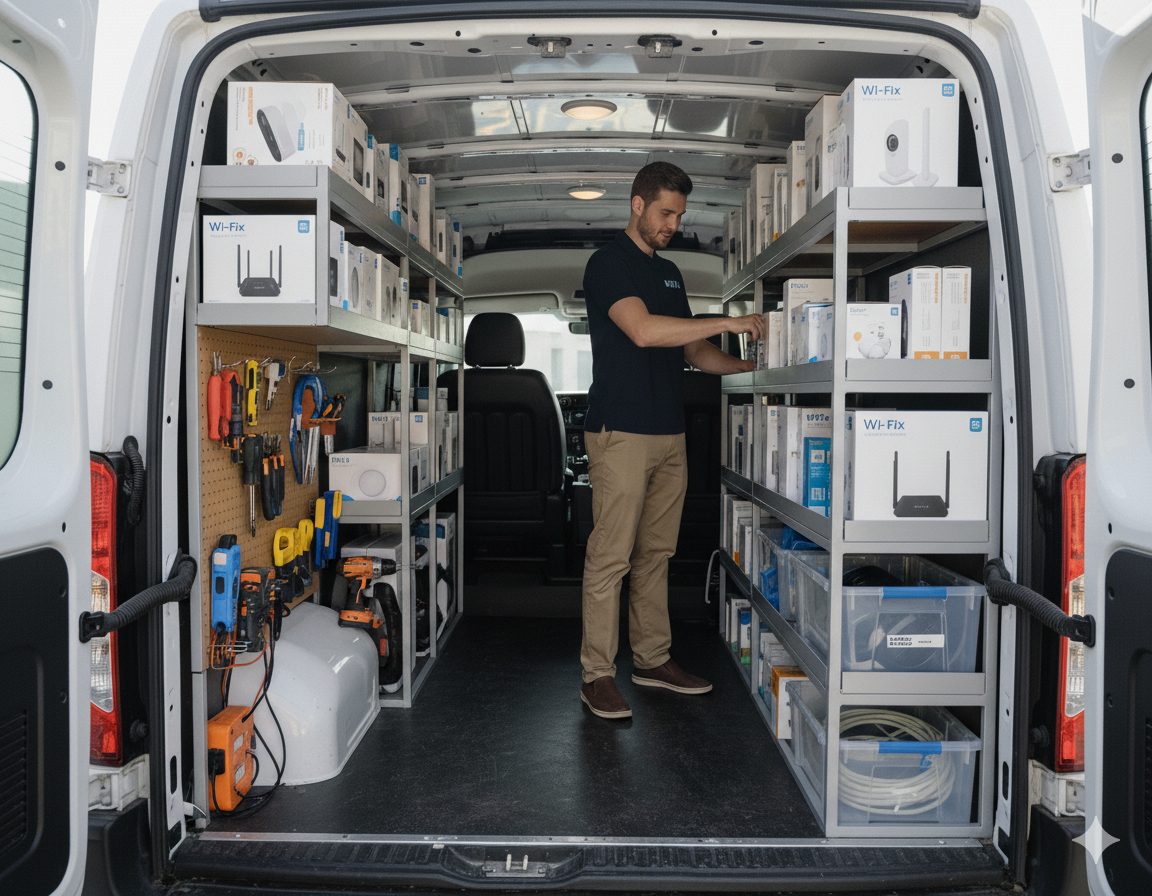
Every Omada install is quoted per build, but the access point and switch lineup below is what we actually install. Hardware prices listed are customer prices and do not include labor, cabling, or accessories. Speeds are manufacturer-rated maximums per band.
Wi-Fi 6 dual-band. 1204 Mbps at 2.4 GHz, 2400 Mbps at 5 GHz. Entry-level ceiling AP for smaller homes.
$88.08
Wi-Fi 6 dual-band. 574 Mbps at 2.4 GHz, 2400 Mbps at 5 GHz. Standard ceiling AP for most homes.
$137.99
Wi-Fi 6 wall-plate AP. 574 Mbps at 2.4 GHz, 2402 Mbps at 5 GHz. Replaces a standard wall jack with an AP.
$148.78
Wi-Fi 6 AX5400. 574 Mbps at 2.4 GHz, 4804 Mbps at 5 GHz. Higher-throughput ceiling AP for dense client counts.
$171.59
Wi-Fi 6 high-density ceiling AP. 576 Mbps at 2.4 GHz, 4800 Mbps at 5 GHz.
$207.59
Tri-band Wi-Fi 6E commercial AP. 1148 Mbps at 2.4 GHz, dual 2402 Mbps 5 GHz radios, 4804 Mbps at 6 GHz.
$299.99
Tri-band Wi-Fi 7 ceiling AP. 688 Mbps at 2.4 GHz, 4324 Mbps at 5 GHz, 5765 Mbps at 6 GHz.
$215.99
Outdoor tri-band Wi-Fi 7. 688 Mbps at 2.4 GHz, 4324 Mbps at 5 GHz, 5765 Mbps at 6 GHz. Patios, yards, warehouses.
$274.79
Tri-band Wi-Fi 7 enterprise AP. 1376 Mbps at 2.4 GHz, 8640 Mbps at 5 GHz, 11520 Mbps at 6 GHz. 10G uplink.
$566.39
Every Omada access point needs PoE and a switch behind it. We size the switch to the AP plan, the camera plan, and any wired drops, then size the uplink to keep the backbone ahead of the access layer.
5-port managed switch with 1 PoE in and 4 PoE out. Good fit for a single-AP closet expansion.
$86.39
10-port switch with 8 PoE ports for small AP and camera deployments.
$142.79
16-port managed switch with 8 PoE ports. Standard backbone switch for mid-size residential and small business.
$218.39
18-port managed PoE switch for larger AP and camera builds.
$285.59
24-port managed L2+ switch for commercial deployments with mixed AP, camera, and wired-drop loads.
$472.97
8-port 2.5G base managed PoE switch. Pairs with Wi-Fi 6E and Wi-Fi 7 APs that need more than 1G uplinks.
$283.70
16-port 2.5G with 2 x 10GE SFP+ ports. The right switch for Wi-Fi 7 builds with a 10G uplink to the gateway.
$419.12
24-port 2.5G base L2+ switch for larger Wi-Fi 7 and high-density commercial deployments.
$472.97
Labor: $100/hr flat rate, billed in 15-minute increments after the first hour.
Cat6A cable: $4.00 per foot, installed.
Gateway, controller, and accessory pricing is quoted per build.
Omada is built to be designed once and managed for years. Our process puts the work up front so the install is quick and the day-two experience is easy.
Omada usually arrives alongside structured cabling, mesh design, security configuration, and ongoing maintenance.
Whole-home and small-business Omada mesh deployments designed end-to-end.
PoE Cat6 runs to every Omada EAP and Vigi camera for a wired backbone.
Firewall rules, VLAN segmentation, and secure defaults inside the ER gateway.
Remote management, firmware, and configuration backups for installed Omada networks.
Omada is TP-Link's software-defined networking platform — EAP access points, JetStream switches, and ER gateways that all run inside one Omada controller. It is a commercial-grade alternative to UniFi at a more accessible price point.
Both. Omada is a great fit for homes that need real coverage and segmentation, and for small businesses that want centralized management without enterprise-tier pricing. We install in single-family homes, multi-unit buildings, offices, and storefronts.
Either works. The OC200 and OC300 hardware controllers stay onsite. The cloud-based controller is included with most ER gateways and runs in the cloud at no extra cost. We pick based on multi-site needs and how much offline resilience you want.
Yes. The Omada cloud controller manages multiple sites from a single dashboard, which is one of the reasons we recommend it for clients with several locations or a primary home plus a vacation home.
Yes. TP-Link's Vigi camera line integrates cleanly into Omada-managed networks, and we install Vigi alongside Omada switching and access points as a full security camera and connectivity package.
Yes. We install the EAP773 tri-band Wi-Fi 7 ceiling access point and the EAP772 outdoor Wi-Fi 7 access point. For enterprise builds that need higher throughput and 10G uplinks, we install the EAP783.
Labor is a flat $100 per hour. Cat6A cable is $4.00 per foot installed. Hardware is priced per model — for example, the EAP650 is $137.99, the EAP670 is $171.59, the EAP773 Wi-Fi 7 is $215.99, and the EAP783 enterprise Wi-Fi 7 is $566.39. We quote every build before any hardware ships.
Austin, Round Rock, Cedar Park, Leander, Georgetown, Pflugerville, Hutto, Buda, Kyle, Lakeway, Bee Cave, Easton Park, and Del Valle. See the full service area for details.
Whether you are upgrading from consumer mesh or scaling an existing Omada network, we will design the build and price it before any hardware ships.