Network first
Mesh and segmentation built to handle dozens of IoT devices without slowing down the rest of the house.
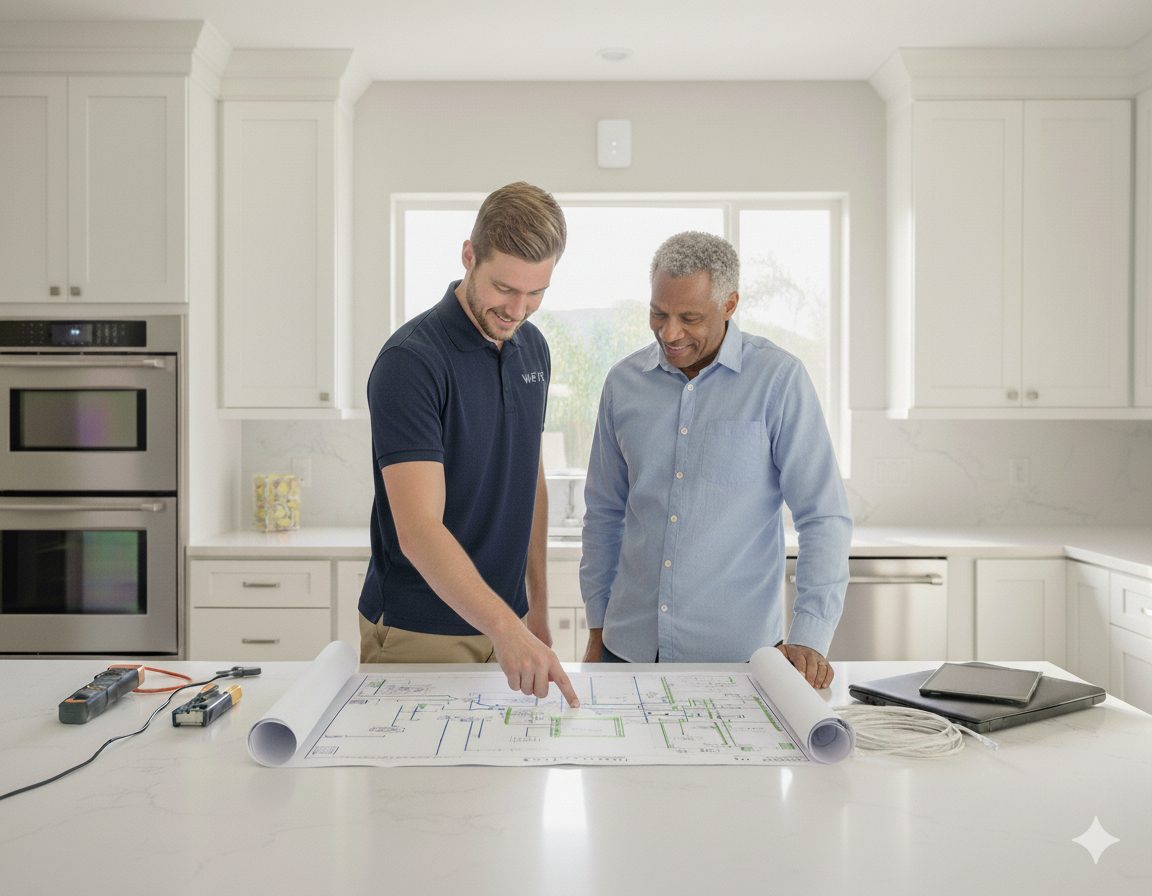
Lights, locks, thermostats, cameras, and voice assistants — installed, networked, and configured so the whole house behaves like one calm system instead of fifteen apps that fight each other.
Smart-home pain rarely comes from the devices themselves. The lights are fine, the doorbell is fine, the thermostat is fine. The problem is what they all share — the Wi-Fi. Add forty connected devices to a router built for ten, and you get a home where the lock is offline at midnight and the camera reboots every Tuesday. Real integration starts by making the network strong enough to carry the load, then layers ecosystems on top.
Mesh and segmentation built to handle dozens of IoT devices without slowing down the rest of the house.
Apple HomeKit, Google Home, or Alexa — chosen and configured to match how the family actually uses it.
Lighting, locks, thermostats, cameras, and switches that play well together, not whatever was on sale.
Routines that match real days — sunset lights, bedtime lock-up, away mode, guest entry, family-only access.
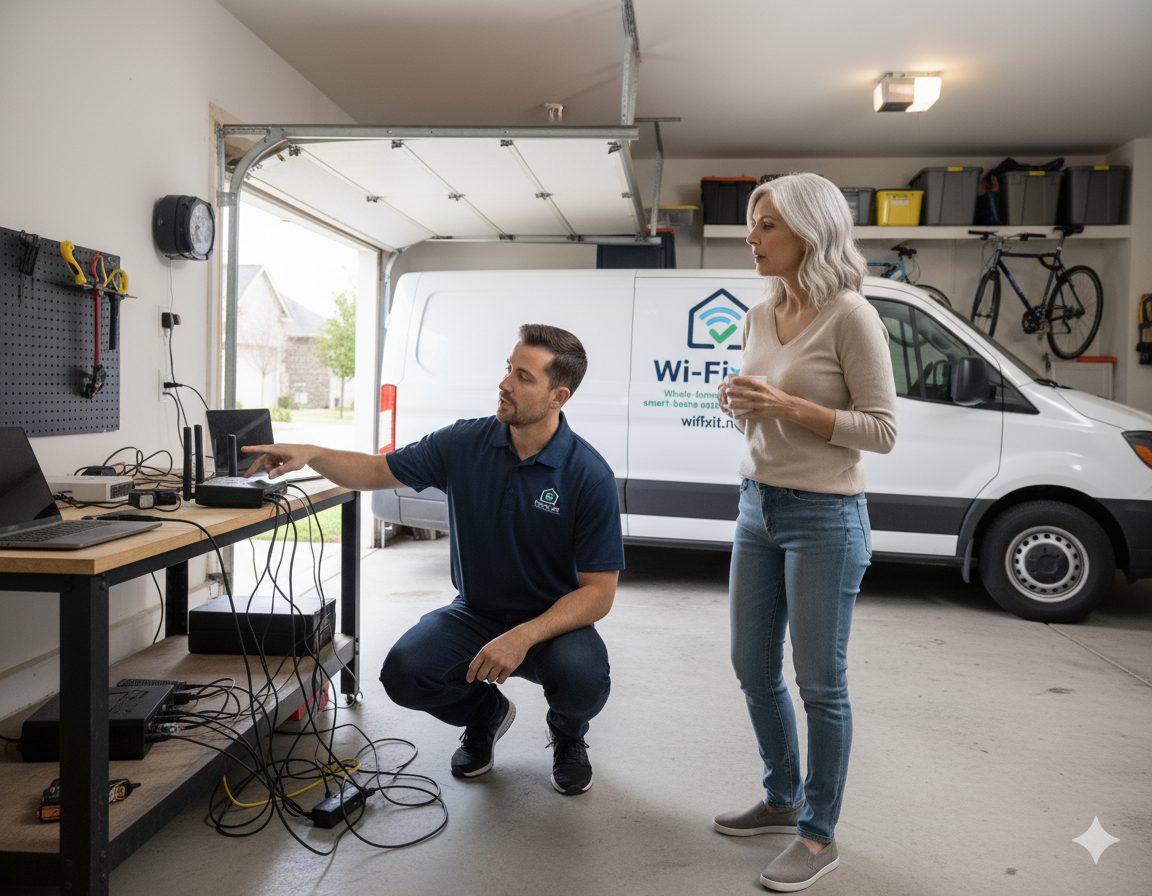
Integration is mostly about choices and naming conventions, not installation labor. Most homes spend more time talking through which scenes actually matter than they do pulling devices out of boxes.
Integration almost always touches the Wi-Fi and the cabling underneath the devices. Explore the related work below.
The whole-home wireless backbone every smart device needs to behave.
IoT segmentation, guest network, and secure defaults so devices cannot snoop on each other.
Doorbells, NVRs, and outdoor cameras integrated with the rest of the smart home.
Standard and Pro tiers that keep firmware, hubs, and integrations stable over time.
We work with mainstream ecosystems: Apple HomeKit, Google Home, Amazon Alexa, Lutron, Philips Hue, Ecobee, Nest, Ring, Arlo, Schlage, Yale, August, and most major smart switches and plugs.
Yes. Most of our smart-home work is fixing existing setups. We audit the devices, the network, and the configuration, then untangle the issues without forcing you to start over.
Many local features will keep working — lights, switches, locks on local control protocols — but features that route through the cloud will not. We design around this when it matters.
We support all three, and often blend ecosystems based on what you already own. The goal is one home, not three apps you have to remember.
A connected home has a lot of internet devices that each do their own thing. A smart home has those devices configured to actually cooperate — scenes, automations, and a network that holds them all up.
Austin, Round Rock, Cedar Park, Leander, Georgetown, Pflugerville, Hutto, Buda, Kyle, Lakeway, Bee Cave, Easton Park, and Del Valle. See the full service area for details.
Walk us through what you want the house to do. We will turn it into a plan and a price.