Layout mapping
Measure existing signal, find interference, and document where the network needs to perform.
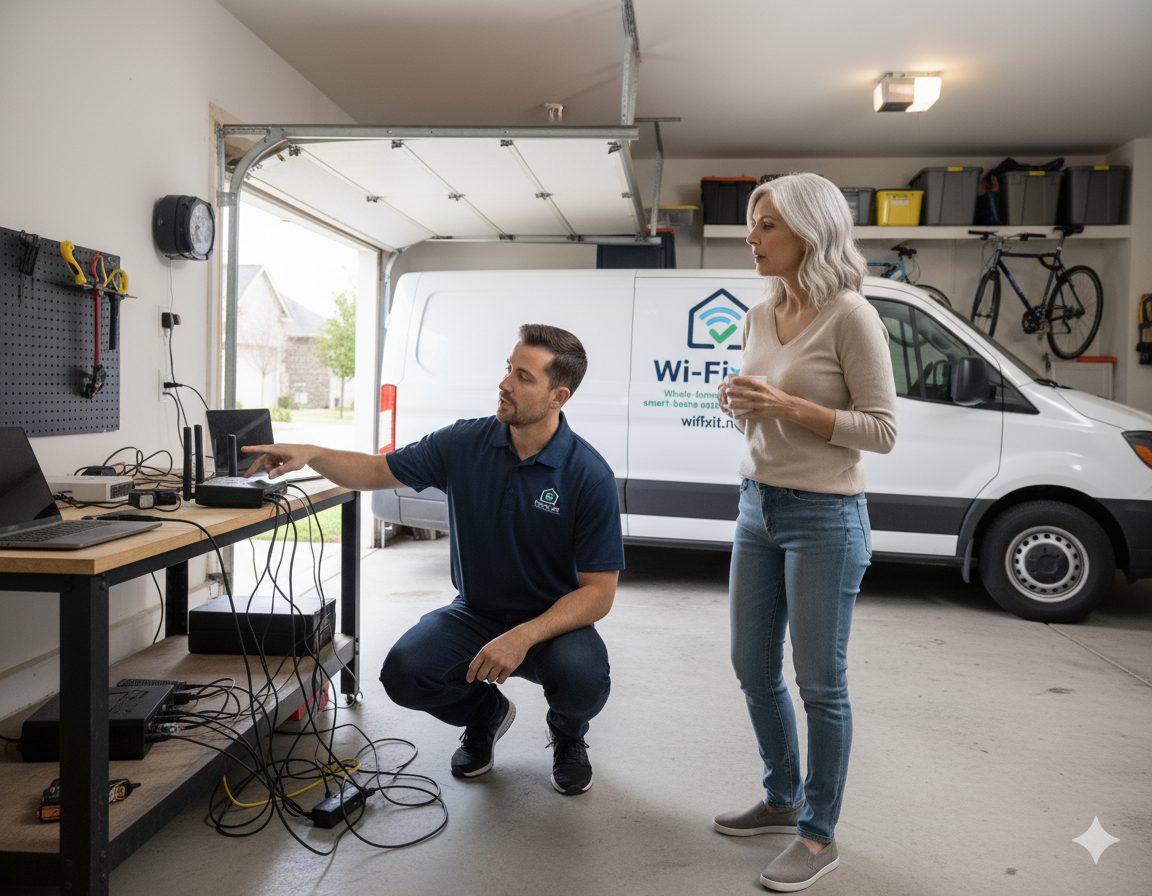
Whole-home and small-business mesh networks designed around your actual layout. We use Ubiquiti UniFi and TP-Link Omada hardware, place access points where signal really fails, and tie everything to a clean, secure backbone.
The consumer mesh box on the shelf at the store is meant to fit every home. That is exactly why it works in none of them well. Real mesh installation starts with the building: square footage, layout, wall materials, ceiling structure, and where people actually use the network. Then it picks the right number of access points, the right places to mount them, and the right way to back them with cabling. Hardware is the last decision, not the first.
Measure existing signal, find interference, and document where the network needs to perform.
Right number of UniFi or Omada APs, mounted in places that are intentional, not improvised.
Wired Cat6 uplinks to access points wherever practical, so the mesh is fast and stable.
Single SSID, fast roaming, guest network, IoT segmentation, and clear documentation.
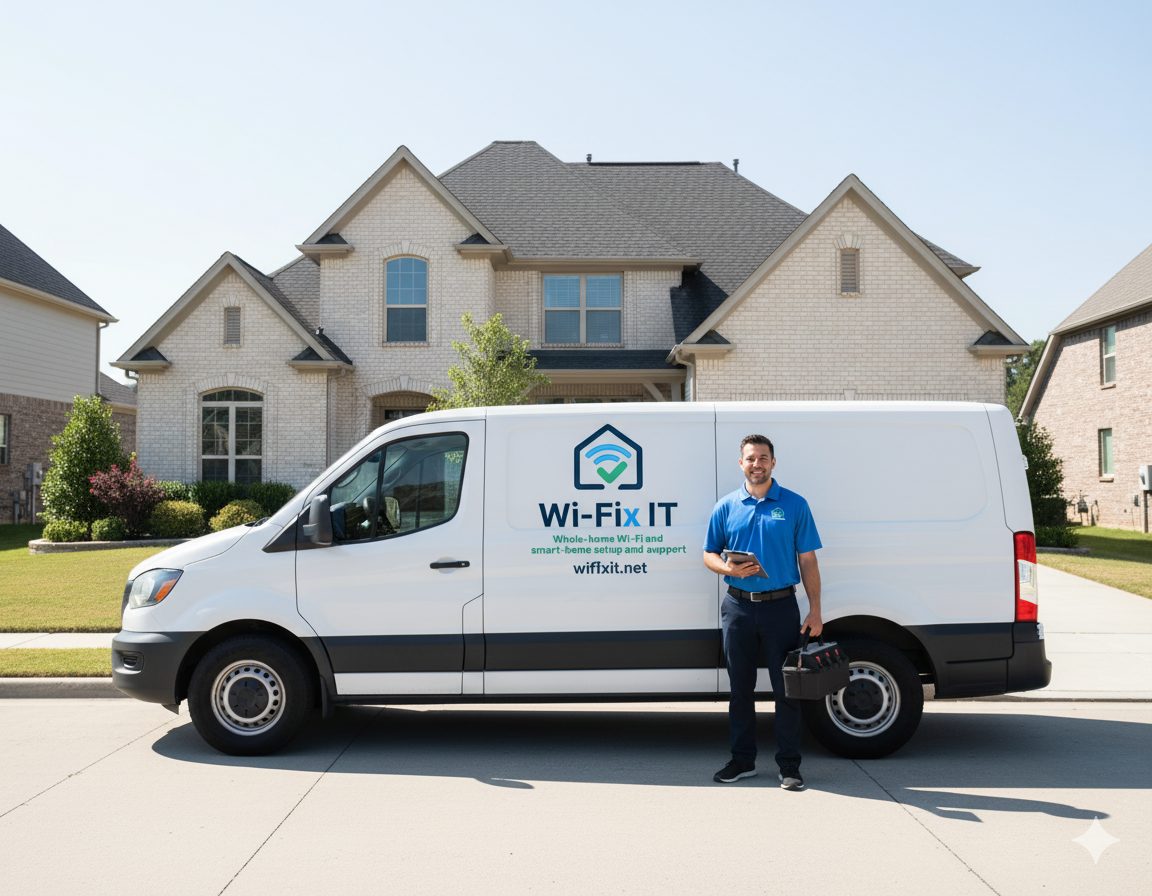
Every mesh job runs the same playbook, scaled to the size of the building. The point is predictable: you know what is being installed, where, and why — before the work starts.
Mesh installation usually touches cabling, security configuration, and ongoing maintenance. Explore the related work below.
Targeted repair when the issue is one specific room rather than the whole home.
Professional UniFi deployment with controller setup and clean cable management.
Omada access points, switches, and gateways for homes and small businesses.
Standard and Pro tiers that keep the mesh healthy after install.
A mesh network uses multiple access points working as one system to give the whole home or business consistent coverage. Devices roam from access point to access point without dropping the connection.
If your problem is in one room, sometimes a relocation or single access point is enough. If you have multiple dead zones, a multi-story home, or thick interior walls, mesh is the right answer.
We deploy commercial-grade Ubiquiti UniFi and TP-Link Omada access points, switches, and gateways. We do not install consumer kits that are abandoned within two years.
Most Austin homes need two to four access points placed strategically. Larger or multi-story homes can need five or more. The site survey is what determines the count, not square footage alone.
Yes, when designed correctly. Adding mesh nodes without measurement often just rebroadcasts a weak signal. We measure first, then place access points where coverage actually fails. See dead zone repair for the targeted version of this work.
Austin, Round Rock, Cedar Park, Leander, Georgetown, Pflugerville, Hutto, Buda, Kyle, Lakeway, Bee Cave, Easton Park, and Del Valle. See the full service area for details.
Schedule an on-site assessment. We will map the layout, propose the right design, and price the work transparently before anything is installed.